
The short version
- Your website is where people decide.They look you up before they call, and they make up their minds quickly.
- It has to work on mobile.Nearly half of Canada’s web traffic is mobile, and Google ranks your site by its mobile version.
- You see it before you pay.We design your homepage first. You only pay if you like it.
01The basics
Your website should bring in work.
For a local business, that means calls, quote requests and bookings. Every part of the page should lead a visitor toward one of them.
1They hear about youAn ad, a search, a recommendation
→
2They look you upOften on mobile
→
3They judge the siteWithin moments of it loading
→
4They get in touchOr they go back and try someone else
02What you get
What comes standard with every site.
Every website we build includes these six things. None of them is an add-on.
Designed around your business
Your services, your customers and your photos shape the design. It’s custom coded in-house, not dropped into a template.
Designed for mobile
The mobile version gets its own layout, so your site is as easy to use on a small screen as it is on a desktop.
Quick to load
We keep every page lightweight, so it opens quickly even on a weak mobile signal.
Easy to reach you
Booking and quote forms are built into the site, along with a phone number visitors can tap to call.
Set up for Google
Every page has a clear title and headings, so Google can tell what you offer and where you work.
Hosting handled
We host the site and set up its security certificate. There’s nothing for you to manage.
03Mobile first
Nearly half your visitors are on mobile.
Google ranks your site using its mobile version.2 So the mobile layout isn’t a scaled-down copy of your website. It is your website.
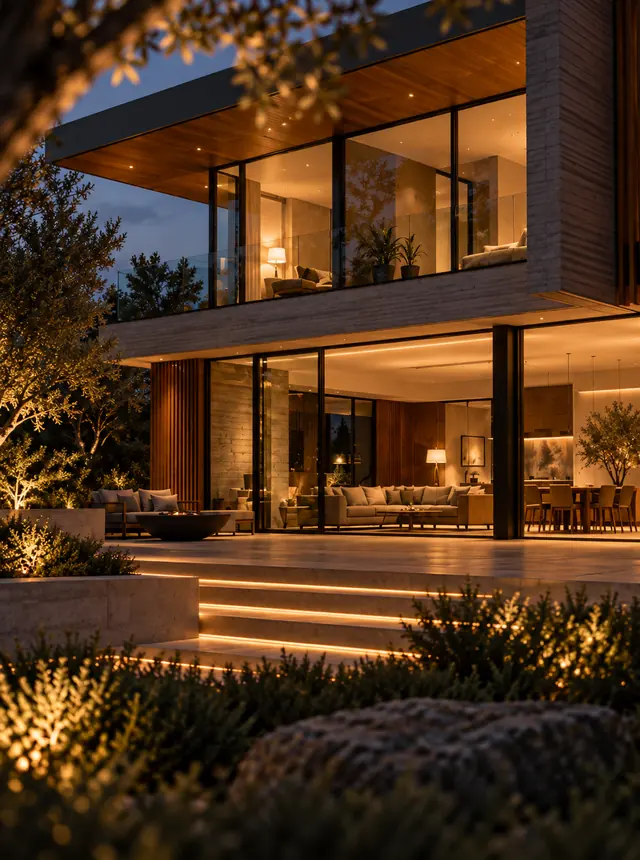
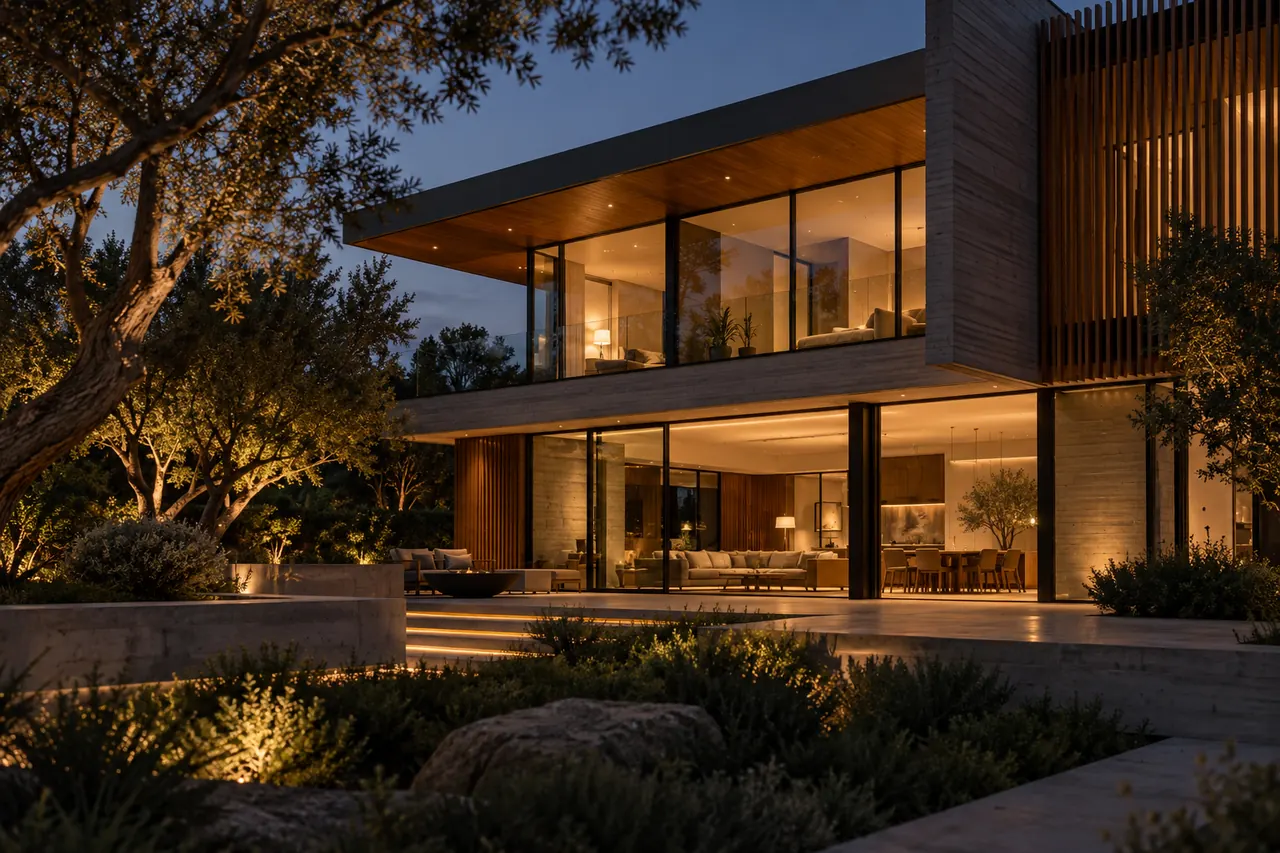 Cedar Ridge House
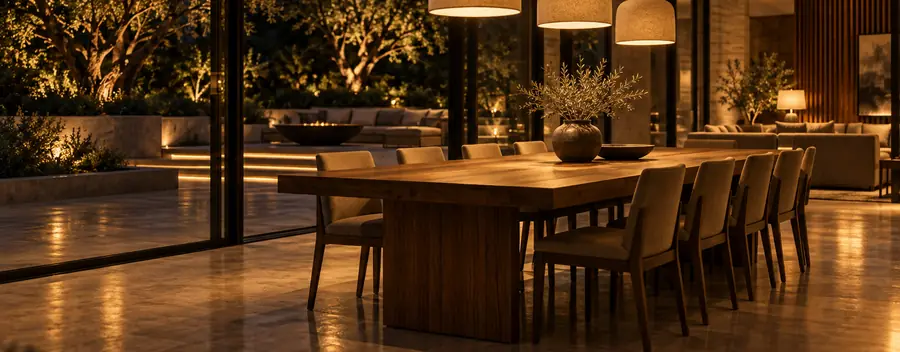 Brackendale Residence
04Speed
A slow page loses people before they’ve seen it.
Google publishes the loading time it considers good, and a large study for Google measured what small speed gains were worth.
The study covered large brands, so treat the numbers as a direction, not a forecast. The principle holds at any size: every extra second is a chance for someone to give up.
05The page
What a homepage needs, in the order people look.
Visitors arrive with the same six questions. A strong homepage answers them in this order.
06Getting in touch
Make it easy to contact you.
A visitor who wants to hire you should be able to reach you in seconds. Here is what makes that easy, and what gets in the way.
What makes it easy
- A short form that asks only for the essentials
- A phone number visitors can tap to call
- A “Book” or “Get a quote” button on every page
- A confirmation message once the form is sent
What gets in the way
- A long form full of questions that could wait
- A phone number that has to be copied and dialled
- Contact details that appear only on the contact page
- No confirmation, so visitors can’t tell if it sent
Before your site goes live, we test every form and button on mobile and on desktop.
07Words and photos
Most visitors skim. Make every line count.
People rarely read a web page from top to bottom. In one well-known study, 79% of visitors skimmed the page for what they needed, and only 16% read every word.4 So your page has to make its point at a glance.
Clear headings
Each heading says exactly what the section covers, so visitors can jump straight to what they came for.
Short paragraphs
One point per paragraph, written in the words your customers use.
Real photos
Your own jobs, your team and your workspace. Visitors can tell a stock photo when they see one.
08Template or custom
Two ways to get a website, compared fairly.
Templates aren’t bad. They’re quick and they suit some businesses. Here is the honest trade-off.
Ready-made
A design many sites share, with your details dropped in.
- Quick to get started
- Your business fits the layout, not the other way round
- Can look like other sites using the same one
- Often carries features you’ll never use
Designed around you
A design made around your services and your customers.
- More work up front
- The layout fits what you actually offer
- Looks like your business and nobody else’s
- Only what the site needs, so it stays light
Every site we build is custom coded in-house. With the free preview, you can judge the difference on your own homepage before deciding.
09Research
What the research tells us.
Four findings shape how we build websites. Each one is linked in the sources at the bottom of this page, so you can check it yourself.
People judge a website instantly
Researchers showed people web pages for a twentieth of a second. Their opinion of how each page looked barely changed when they were given longer.3
What this means: your design makes an impression before a single word is read. The study measured how pages looked to people. It didn’t measure trust or sales.
Faster websites win more business
The study followed 30 million visits across 37 brand websites. When mobile pages loaded a tenth of a second faster, retail sales rose 8.4%, and 21.6% more visitors reached the enquiry form on lead-generation sites.6
What this means: speed is worth the effort. These were large brands, so a small business may see a different result.
Google ranks the mobile version
Google says it uses the mobile version of a website to decide where that site appears in search results.2
What this means: your mobile site needs everything your desktop site has. It doesn’t guarantee any ranking.
Visitors skim before they read
In testing, 79% of people skimmed a new web page and 16% read every word. Pages that were shorter and easier to skim scored better for usability.4
What this means: clear headings and short paragraphs help. It’s an older, smaller study, but its findings are still widely cited.
Judge real work with your name on it, not a slide deck.
10How we do it
From first call to launch day.
You see your homepage before you commit to anything. The rest follows from there.
- 1Tell us about youA few details about your business and what you want more of.
- 2Free previewWe design your new homepage. You see it before you pay.
- 3FeedbackYou tell us what to change.
- 4BuildWe build the rest of the site.
- 5LaunchDomain connected, every form tested.
- 6CareHosting, backups and updates from then on.
11Glossary
The words you’ll hear, in normal language.
- Homepage
- The front page of your site, and usually the first one people see.
- Landing page
- A page built for one purpose, such as the page an ad leads to.
- Responsive
- A layout that adapts to the size of the screen it’s on.
- Mobile-first
- Designing the mobile version before the desktop one.
- Call to action
- The button or link that asks the visitor to do something.
- Above the fold
- What’s visible before anyone scrolls.
- Navigation
- The menu people use to move around the site.
- Template
- A ready-made design many different sites share.
- Custom design
- A design made for one business.
- Load time
- How long a page takes to appear.
- Core Web Vitals
- Google’s three measures of loading, responsiveness and stability.
- Form
- The fields a visitor fills in to contact you or ask for a quote.
- Tap to call
- A phone number that dials when tapped on mobile.
- Conversion
- A visitor doing what the page is for: calling, booking or sending a form.
- Domain
- Your web address, such as yourbusiness.ca.
- Hosting
- The service that keeps your site online.
12FAQ
Questions we get asked most.
How does the free preview work?
Tell us about your business and we’ll design your new homepage with your real details, then walk you through it on a call. You see the actual design before any money changes hands.
What if I don’t like the preview?
Then you don’t pay. You only pay if you like it.
Do you use templates?
No. Every site is designed around the business it’s for and custom coded in-house, not dropped into a template.
Will it work properly on mobile?
Yes. The mobile version of every page gets its own layout, not a shrunk-down copy of the desktop one, and it’s built to load quickly.
How long does a website take?
It depends on how many pages you need and how quickly we can get your photos and details. We’ll give you a timeline once we know what you need.
Can you rebuild the website I already have?
Yes. Send us the address and we’ll tell you what’s worth keeping and what we’d change.
Can I keep my domain name?
Yes. We connect your existing domain to the new site at launch, so your address stays the same.
What do you need from me?
The services you offer, the areas you cover, your logo if you have one, and photos of your work. We’ll ask for anything else we need.
What if I don’t have good photos?
Start with what you have. We’ll tell you which few photos would make the biggest difference, so you know what to take next.
Will my site show up on Google?
We build every site so Google can read and understand it, with clear titles, headings and fast pages. Nobody can guarantee where a site ranks. Our SEO page explains what’s involved.
How do I change things after launch?
Tell us what you’d like changed and we’ll update it. That’s part of care and hosting.
Sources, so you can check our work.
- 01Market dataDesktop vs Mobile vs Tablet Market Share: Canada↗StatCounter
Figures for September 2026.
- 02Platform documentationMobile-first indexing best practices↗Google Search Central
Which version of a site Google indexes and ranks.
- 03Academic studyFirst Impressions Matter: How Designers Can Support Humans’ Automatic Cognitive Processing↗Nielsen Norman Group, summarising Lindgaard et al., 2006
Original paper: Behaviour & Information Technology 25(2), 115–126.
- 04Usability studyHow Users Read on the Web↗Nielsen Norman Group, 1997
How people skim, and what makes a page easier to read.
- 05Platform documentationWeb Vitals↗web.dev, by Google
The three Core Web Vitals and their thresholds.
- 06Industry studyMilliseconds Make Millions↗Deloitte and 55, for Google
How mobile page speed relates to conversions.